Getting Started with sGTM Hosting
Step 5. Test and preview your sGTM setup
1. In GTM, open Preview Mode for the server container.
2. In another tab, open Preview Mode for the web container and enter your site URL.
3. Browse the site to trigger events (pageview, clicks, etc.).
4. In the web container preview, confirm that the sending tag (GA4 or Data Tag) fired underTags Fired.
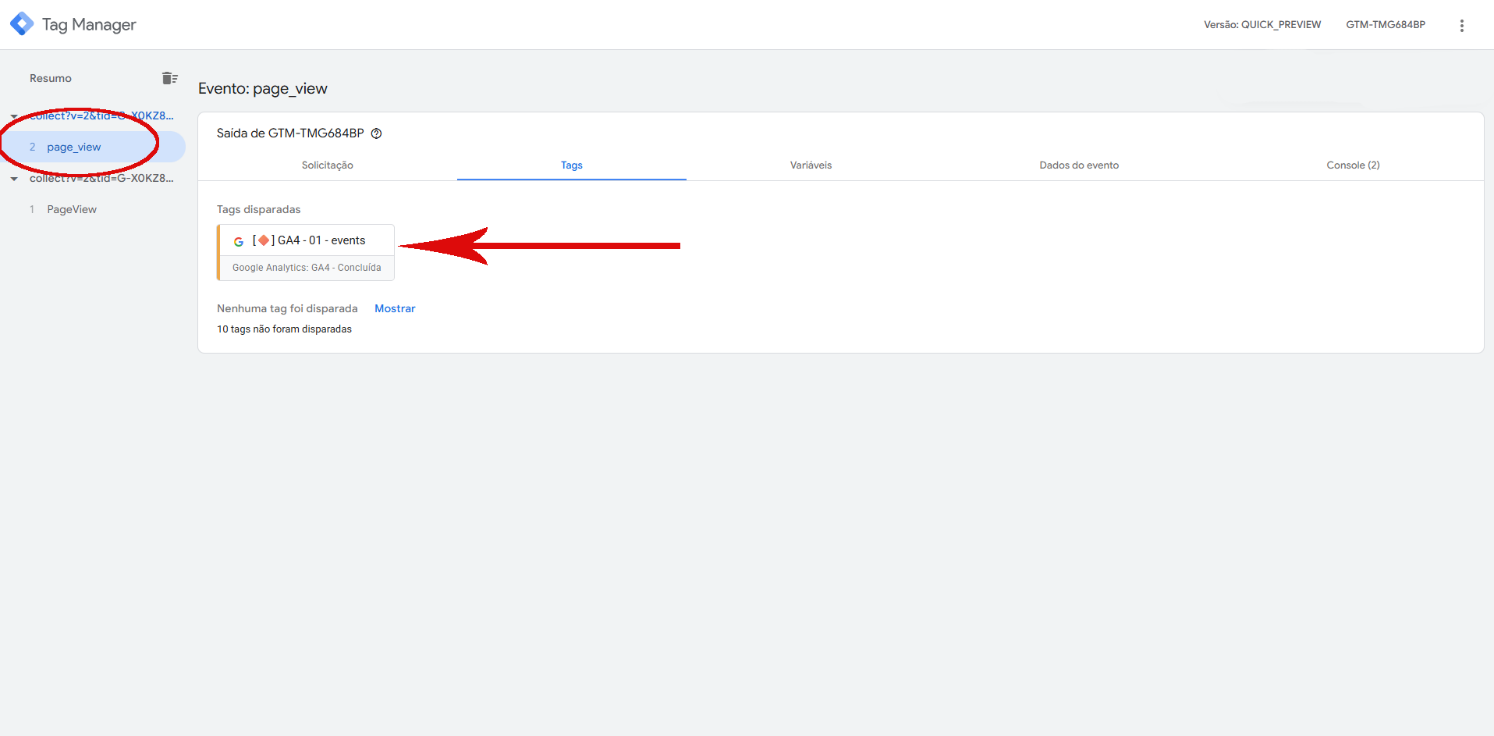
5. In the server container preview, confirm that events from your domain are arriving.
In GTM Preview Mode, verify the received events:
Was this helpful?
Thanks for your feedback!